
Dev Setting - Settings Sync
I have a trouble cuz the development settings at home and at work are different. It’s so inconvenient. So I’m trying to use syncing up settings(vscode plugin) on multiple devices.
How synchronize configurations to multiple devices?
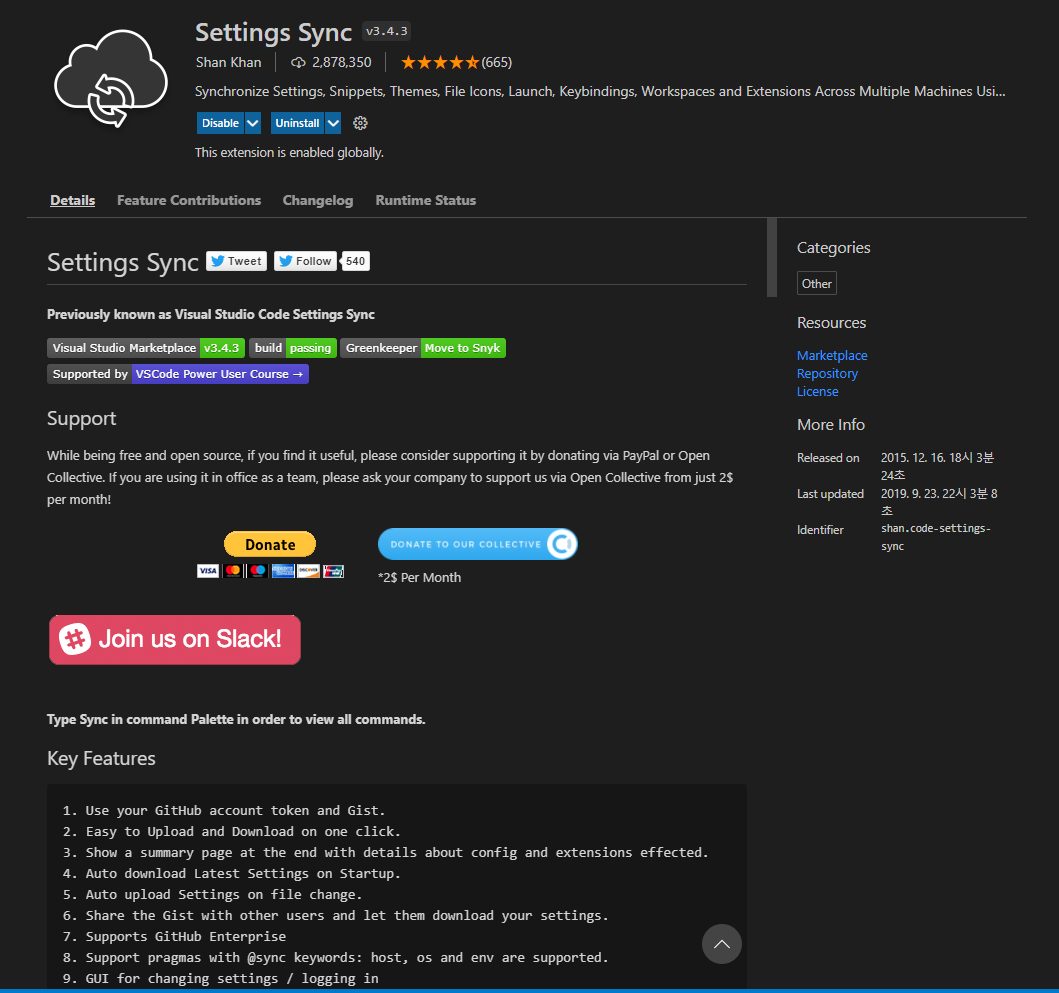
1. install Settings Sync plugin
2. Create a github token
- 2-1. Login Github / go to
Settings > Developeer settings > Personal access tokens - 2-2. Click
Generate new token

- 2-3. Select
expirationthenclick to gist - 2-4. Copy token number
3. Create Github Gist id
- 3-1. Go to Gist page(https://gist.github.com) and login.
- 3-2. Create as below & click
Create secret gist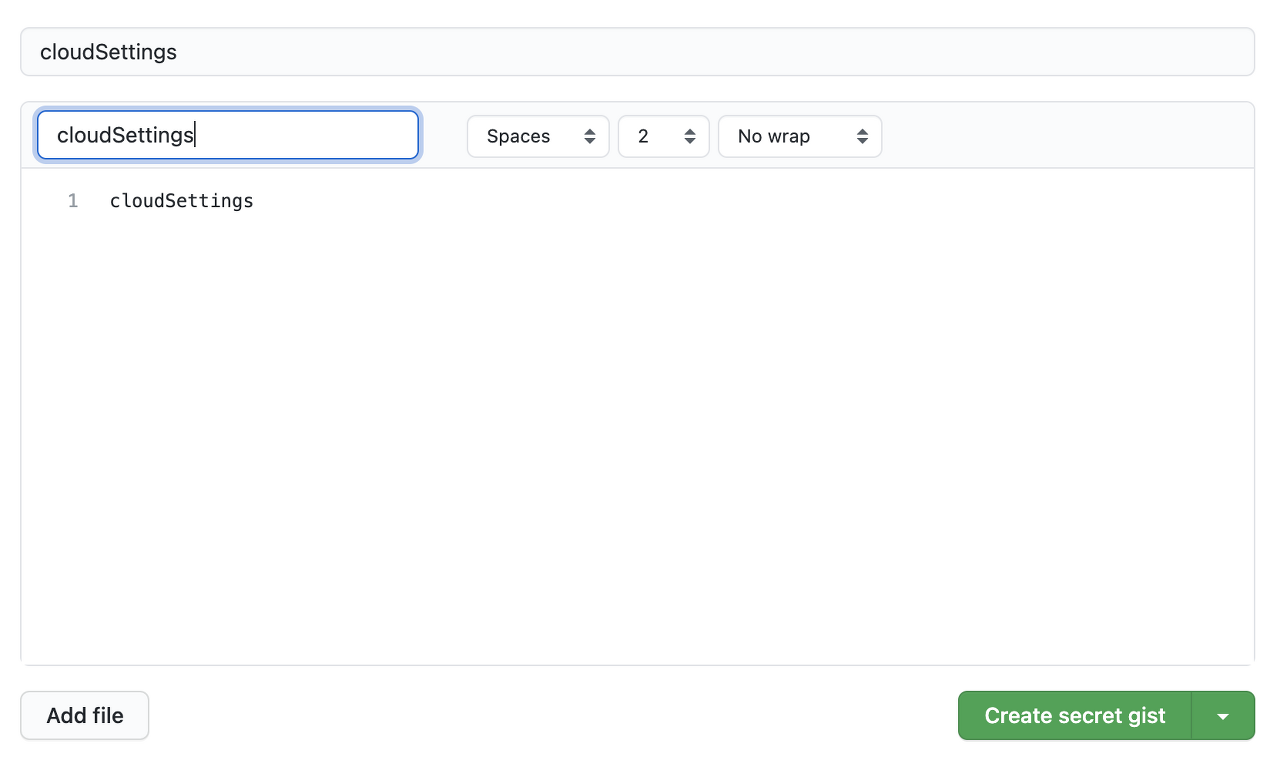
- 3-3. Copy gist id (included URL)
// example
https://gist.github.com/{your github id}/{your gist id}
4. Update settings.json in VScode
Write down the Gist id from step 3.
   "sync.gist": "your gist id",
    "sync.autoDownload": false,
    "sync.autoUpload": false,
    "sync.forceDownload": false,
    "sync.forceUpload": false,
    "sync.quietSync": false,
    "sync.removeExtensions": true,
    "sync.syncExtensions": true
5. Update syncLocalSettings.json in VScode
Write down the Github token id from step 2.
{
    "ignoreUploadFiles": [
        "state.*",
        "syncLocalSettings.json",
        ".DS_Store",
        "sync.lock",
        "projects.json",
        "projects_cache_vscode.json",
        "projects_cache_git.json",
        "projects_cache_svn.json",
        "gpm_projects.json",
        "gpm-recentItems.json"
    ],
    "ignoreUploadFolders": [
        "workspaceStorage"
    ],
    "ignoreExtensions": [],
    "gistDescription": "Visual Studio Code Settings Sync Gist",
    "version": 343,
    "token": "YOUR_GITHUB_TOKEN",
    "downloadPublicGist": false,
    "supportedFileExtensions": [
        "json",
        "code-snippets"
    ],
    "openTokenLink": true,
    "disableUpdateMessage": false,
    "lastUpload": "null",
    "lastDownload": "null",
    "githubEnterpriseUrl": null,
    "askGistDescription": false,
    "customFiles": {},
    "hostName": null,
    "universalKeybindings": false,
    "autoUploadDelay": 20
}
6. Upload your setting to Gist
Press Shift + Alt + U (macOS: Shift + Option + U)
7. Download Setting
Press Shift + Alt + D (macOS: Shift + Option + D)
Notes.
- File path (settings.json / syncLocalSettings.json)
- Windows : %APPDATA%\Code\User
- MAX : $HOME/Library/Application Support/Code/User